Treatment file
You can record conservation treatments with the Treatment file in the Activities module.
Overview
The Treatment file in the Activities module lets you record treatments ranging from the basic cleaning of objects to intensive conservation treatments.
Key fields in the Treatment file are analysis/examination details, treatment details and recommendations.
The treatment can be described with free text fields and authority controlled keywords.
Video
Watch this video in our Vernon CMS webinar series on YouTube to see the Treatment file working in our Demo system.
Explainer
Explainer: Conservation in Vernon CMS (Vernon Systems blog)
Treatment window - Treatment tab
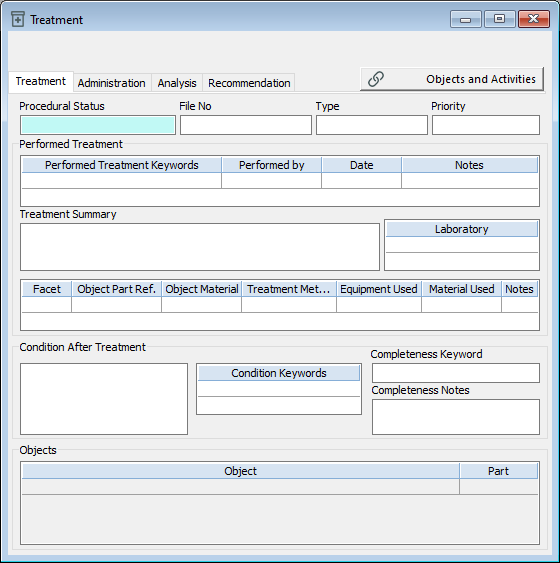
Status and file number fields
Type and priority fields
Performed treatment fields
Condition after treatment fields
Treatment window - Administration tab
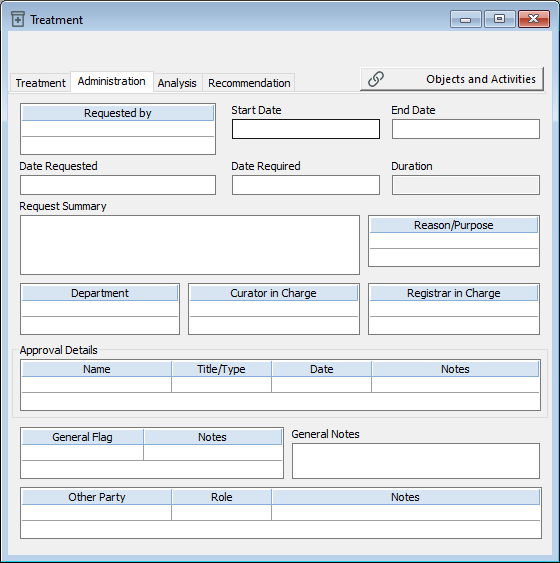
Request details fields
-
Duration (read-only field)
Department, curator, and registrar fields
Approval fields
General fields
Other party fields
Treatment window - Analysis tab
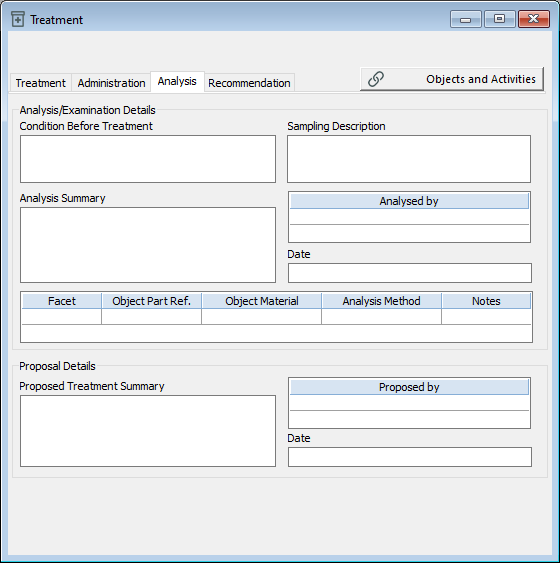
Analysis/examination details fields
Proposal details fields
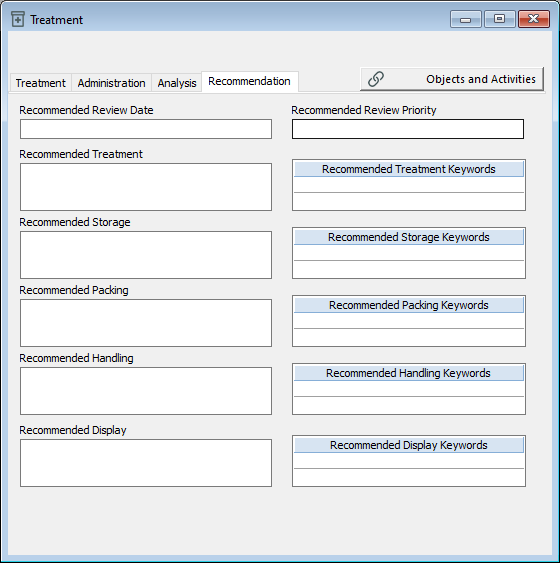
Treatment window - Recommendation tab